🎥 Want to animate your images?
Try Gemini Omni

GPT Image 2

Generate high-quality images with GPT Image 2 — text-to-image and multi-image editing up to 4K

GPT Image 2GPT Image 2

Be specific about subject, style, and lighting.

0/5000

✨ Please login to try for FREE ✨

Preview

GPT Image 2 — OpenAI's Most Capable AI Image Generator

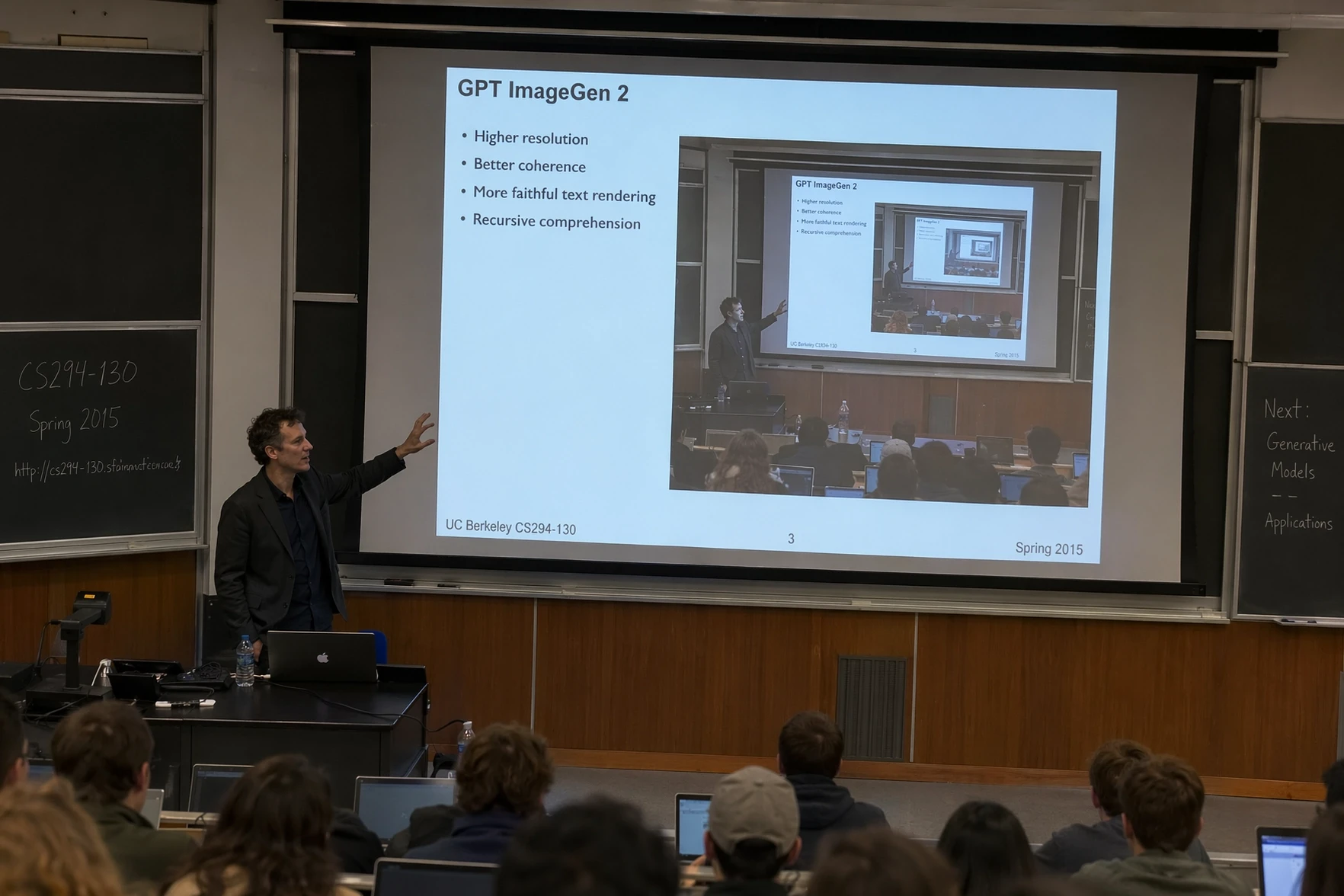
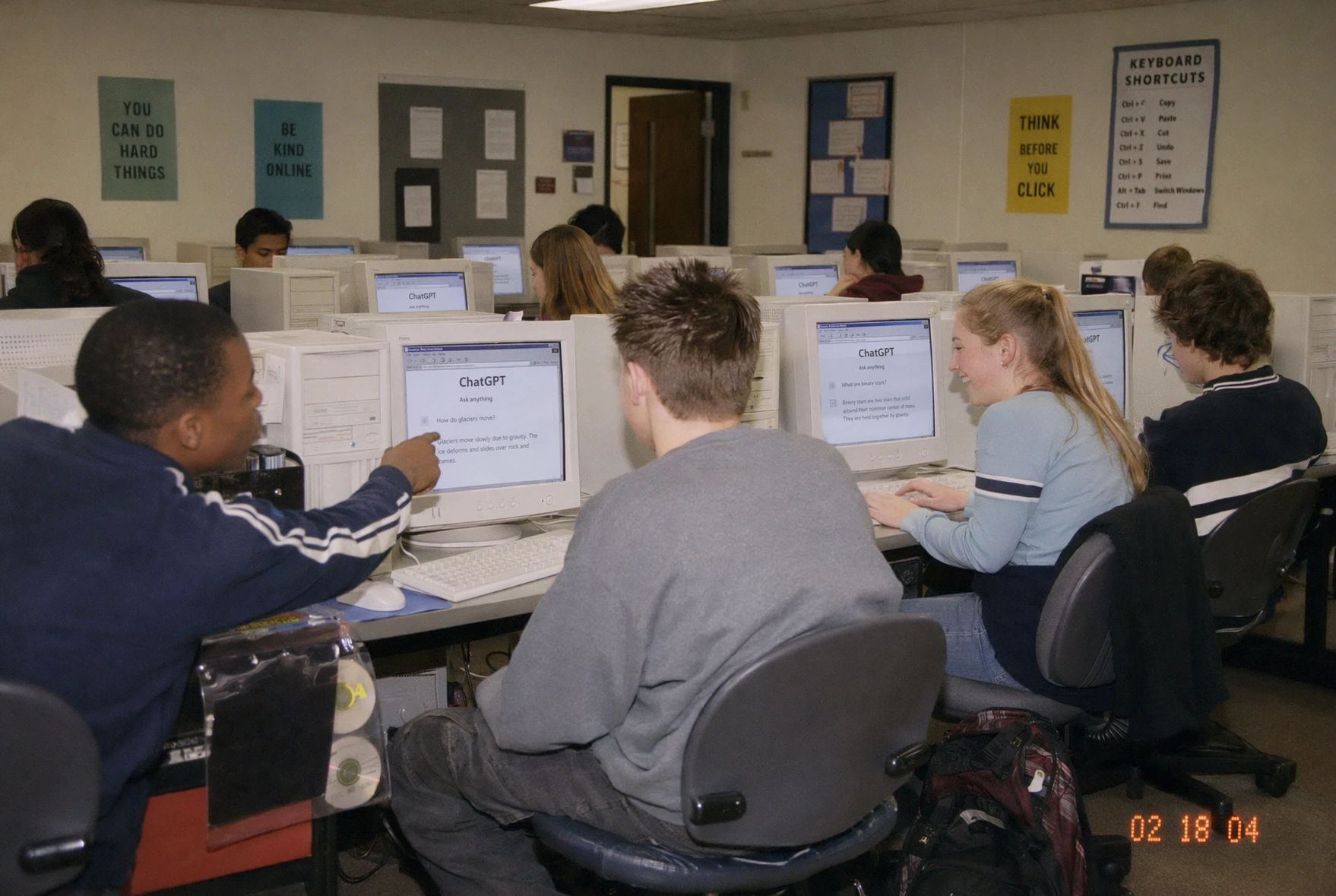
GPT Image 2 is OpenAI's most advanced image model — the first to reason before it draws. Built on the GPT-4o architecture, it delivers near-perfect text rendering, consistent characters, context-aware editing, and output up to 4K resolution. Try GPT Image 2 free and turn any idea into polished, professional-grade visuals in seconds.
GPT Image 2 — OpenAI's Most Capable AI Image GeneratorGPT Image 2 — OpenAI's Most Capable AI Image GeneratorGPT Image 2 — OpenAI's Most Capable AI Image Generator

GPT Image 2 Edits in Action

Give GPT Image 2 a sketch, a pair of photos or a finished infographic, state the change in plain words, and it reasons through the edit before it draws.

01Two-Photo Compositing

Image 1 sets the scene and the woman; image 2 supplies the dog. GPT Image 2 lifts the dog across, seats it beside her on the stone step and matches the dappled light, lens blur and warm palette so the pair read as one photograph, not a cut-out.

Input imageWoman sitting on a stone step, scene reference
Input imageWoman with a brown Labrador, dog reference
Prompt

Place the dog from the second image into the setting of image 1, right next to the woman, use the same style of lighting, composition and background. Do not change anything else.

OutputThe dog seated next to the woman in the first scene, generated by GPT Image 2

02Sketch to Photograph

A loose line drawing of a river valley is the whole brief. GPT Image 2 keeps every proportion and the perspective of the sketch, then chooses stone, water, grass and afternoon light that fit its intent, adding nothing the pencil did not already place.

Input imageLine drawing of a river valley, input sketch
Prompt

Turn this drawing into a photorealistic image. Preserve the exact layout, proportions, and perspective. Choose realistic materials and lighting consistent with the sketch intent. Do not add new elements or text.

OutputPhotorealistic river valley rendered from the sketch, generated by GPT Image 2

03Infographic Translation

The input is an infographic GPT Image 2 drew in an earlier turn. One instruction swaps every English label for Spanish while the diagram, the arrows, the icons and the layout stay exactly where they were, so a localized version ships in a single pass.

Input imageEnglish coffee-machine infographic, input
Prompt

Translate the text in the infographic to Spanish. Do not change any other aspect of the image.

OutputThe same infographic with all labels in Spanish, generated by GPT Image 2
Steps

How to Use GPT Image 2 on This Platform

Our all-in-one platform gives you instant access to GPT Image 2 and other leading AI models — create stunning images from a simple text prompt or reference photos, with industry-leading accuracy and quality.

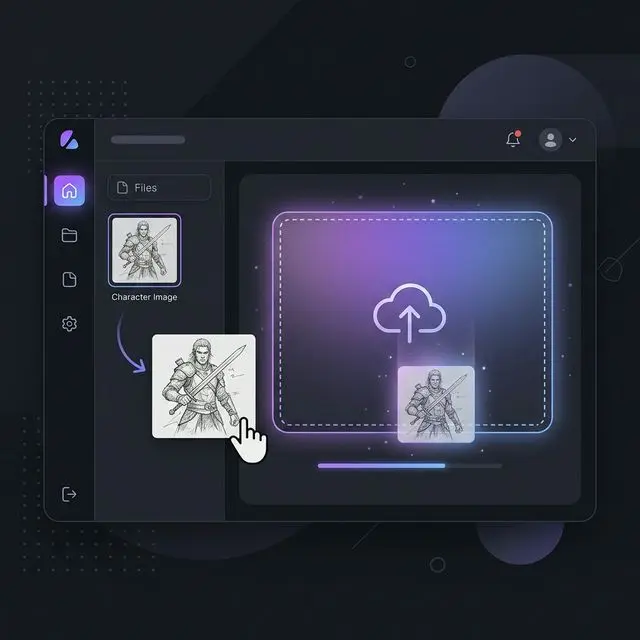
Switch to image-to-image and upload up to 16 reference photos to guide GPT Image 2 on style, character identity, and scene composition.

Upload an optional reference image for AI image generation
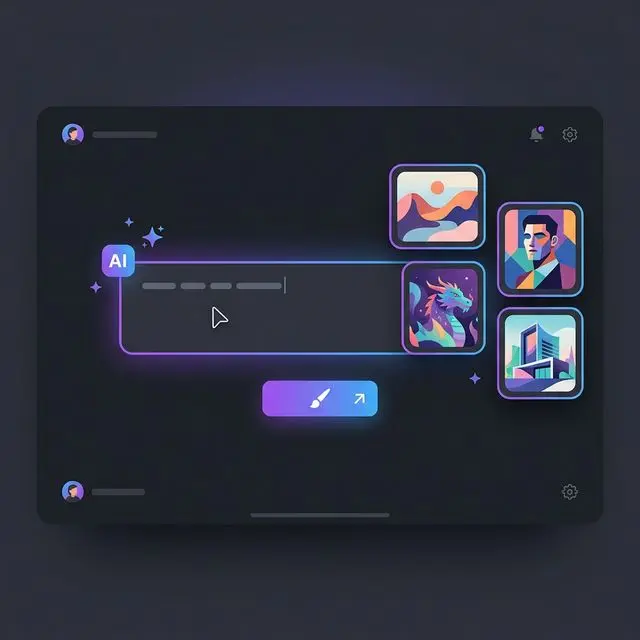
Write a detailed prompt for AI image generation
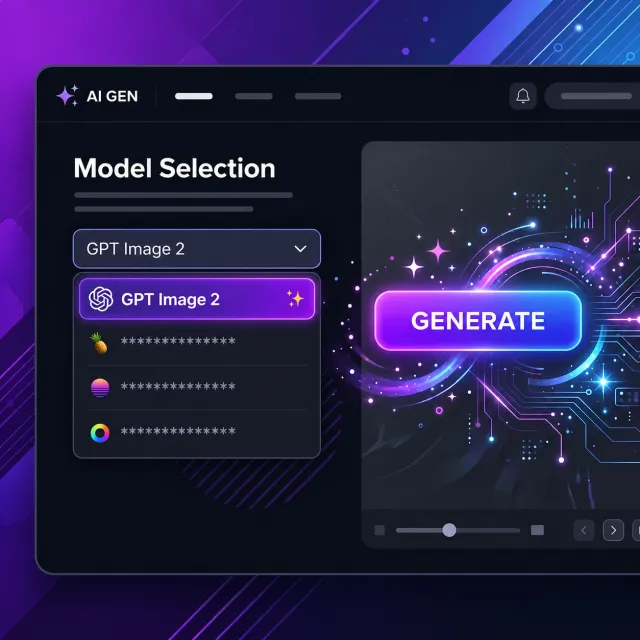
Select an AI model and generate your image on this platform
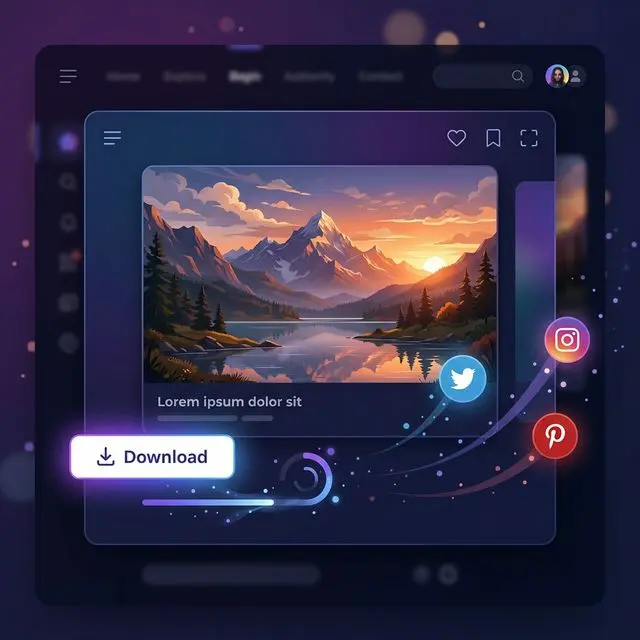
Download and share your AI-generated artwork

Key Features of the GPT Image 2 AI Image Generator

Explore what makes GPT Image 2 OpenAI's most capable image model — reasoning-driven generation, near-perfect text, and precise, context-aware editing.

Near-Perfect Text Rendering

GPT Image 2 reaches around 99% character-level accuracy, rendering crisp, correctly spelled text inside images — from short captions to dense paragraphs — across Latin, CJK, Hindi, and Bengali scripts.

Reasoning Before It Draws

GPT Image 2 is the first OpenAI image model to use O-series reasoning. It researches your prompt, plans the layout, explores variations, and self-checks the result before delivering the final image.

Context-Aware Editing

Generate an image, then refine it in plain language — change a background, remove an object, or resize text. GPT Image 2 applies each edit while keeping faces, lighting, and surroundings perfectly intact.

Consistent Characters & Faces

GPT Image 2 preserves identity and style across edits and multi-step workflows, so your characters, products, and brand stay consistent from one generation to the next.

Up to 4K Resolution

Generate in 1K, 2K, or native 4K (4096x4096) resolution across a wide range of aspect ratios — ready for print, web, social, and large-format displays.

Superior Instruction Following

Built on the GPT-4o architecture, GPT Image 2 parses complex, multi-constraint prompts — layouts, color palettes, and exact text placement — and executes every requirement faithfully.

Stats

Why Creators Choose GPT Image 2 for AI Image Generation

OpenAI's most advanced model for professional-quality visual creation

Powered By

GPT-4o

OpenAI's flagship architecture

Max Resolution

4K

native 4096x4096 output

Text Accuracy

~99%

character-level rendering

Use Cases

Create Anything with GPT Image 2

From packaging mockups to full landing pages, GPT Image 2 supports creators in every field with AI image generation that renders text more sharply, edits regions more precisely, and outputs detail up to 4K.

Packaging & Label Text

Render flawless wording on mugs, labels, bottles, and phone screens — every character stays crisp, correctly spelled, and shaped to fit each surface.

App & Desktop Screenshots

Produce ultra-realistic desktop and app screenshots with pixel-aligned interface elements, crisp readable labels, and lighting like a real screen.

Online Store Product Pages

Generate polished product detail layouts with specifications, pricing, and add-to-cart buttons, all arranged in a clean, premium storefront style.

Multi-Panel Comic Strips

Build multi-panel comics and storyboards with consistent characters, legible speech bubbles, and cinematic framing — a full sequence from one prompt.

Workflow Diagrams & Charts

Turn complex workflows into clear technical diagrams with precise labels, connecting arrows, and a tidy, professional layout for every step.

Full Website Landing Pages

Design complete website landing pages with navigation bars, hero sections, CTA buttons, and dashboard previews — every text block neatly aligned.

What Creators Are Saying About GPT Image 2

Discover stunning examples from creators around the world using GPT Image 2 to bring their ideas to life.

The Technology Behind GPT Image 2

A look under the hood of GPT Image 2 — a new autoregressive architecture, O-series reasoning, and identity-aware editing that together set a new standard for accurate, controllable AI image generation.

Autoregressive, Single-Pass Generation

GPT Image 2 moves away from the diffusion pipeline of earlier models to a new autoregressive architecture. It encodes an image into roughly 1,024-1,290 visual tokens and predicts them one at a time — like a language model writing words — through a single unified sequence of text and image tokens. Because in-image text is built with that same token-by-token precision, lettering stays sharp and correctly spelled.

Reasoning Before Generation

GPT Image 2 is the first OpenAI image model with native O-series reasoning. Before drawing, it plans the composition, verifies object counts, and checks every prompt constraint, then generates variations and self-checks the result. This think-first step is what lets it follow long, multi-part instructions that trip up single-shot models.

Drift-Free Identity-Aware Editing

When you edit, GPT Image 2 keeps faces and key elements consistent through a layered mechanism: identity tokens encode facial structure, self-attention anchors the regions you did not change, and thinking-mode planning maps exactly what to modify versus preserve. Unlike diffusion's iterative denoising, autoregressive editing avoids cumulative re-encoding loss — so repeated edits stay clean, with no visible drift.

Pricing

More than Ghibli AI — create any image with leading AI models like GPT Image 2, Nano Banana 2 and more.

Save 30%

1500 Credits

Popular
$29.9$20/ month

Most popular for individual creators!

Includes

  • 1500 credits / month
  • Credits never expire
  • Skip the queue
  • High-quality AI image models
  • Text/Image to Image
  • Unlimited Styles & Prompts
  • Supported Models:
    Nano Banana 2Nano Banana 2
    GPT Image 2GPT Image 2
  • Private Generation
  • Commercial License

cancel anytime

680 Credits

$14.9$10/ month

Perfect for getting started.

Includes

  • 680 credits / month
  • Credits never expire
  • Skip the queue
  • High-quality AI image models
  • Text/Image to Image
  • Unlimited Styles & Prompts
  • Supported Models:
    Nano Banana 2Nano Banana 2
    GPT Image 2GPT Image 2
  • Private Generation
  • Commercial License

cancel anytime

3000 Credits

Most Cost-Effective
$49.9$35/ month

Best for professional creators!

Includes

  • 3000 credits / month
  • Credits never expire
  • Skip the queue
  • High-quality AI image models
  • Text/Image to Image
  • Unlimited Styles & Prompts
  • Supported Models:
    Nano Banana 2Nano Banana 2
    GPT Image 2GPT Image 2
  • Private Generation
  • Commercial License

cancel anytime

Secure, encrypted checkoutPowered byStripe
FAQ

Frequently Asked Questions About GPT Image 2

Have more questions? Contact us by email

1

What is GPT Image 2 and how is it different from earlier models?

GPT Image 2 is OpenAI's most advanced image generation model, released in April 2026 as part of ChatGPT Images 2.0. It's the first OpenAI image model to reason before generating — reaching around 99% text accuracy, preserving faces and characters across edits, and producing output up to 4K. Built on the GPT-4o architecture, it follows complex prompts far more reliably than GPT Image 1.5 and earlier models.

2

What resolutions and aspect ratios does GPT Image 2 support?

On this platform GPT Image 2 generates in 1K, 2K, and native 4K resolution, with a wide range of aspect ratios including 1:1, 16:9, 9:16, 4:3, and 3:4, plus an Auto option — covering virtually every platform and creative need.

3

Can GPT Image 2 render text inside images accurately?

Yes. Text rendering is one of GPT Image 2's standout strengths, with roughly 99% character-level accuracy across Latin, CJK, Hindi, and Bengali scripts. It keeps captions, paragraphs, infographics, and UI labels crisp, correctly spelled, and properly aligned.

4

How does GPT Image 2 handle image editing?

GPT Image 2 offers context-aware, multi-turn editing. Ask it to change a background, swap an object, or resize text, and it applies the change while keeping faces, lighting, shadows, and composition intact — so iterative editing stays predictable and consistent.

5

Does GPT Image 2 support image-to-image with reference images?

Yes. Switch to image-to-image mode and upload up to 16 reference images to guide GPT Image 2 on character identity, style, and composition. Its identity-aware engine keeps key details consistent across every iteration.

6

Is GPT Image 2 free to try?

You can try GPT Image 2 free on this platform. Sign in to start generating and choose your resolution — higher resolutions use more credits, so you only pay for the quality you actually need.

Start Creating with GPT Image 2 Today

Generate stunning AI images with GPT Image 2 — OpenAI's most advanced image model, free to try.